Capture fast
Use Back Tap, widgets, Siri, or Shortcuts to log from outside the app before the expense is forgotten.

TapXpense keeps the main job simple: log spending in seconds, then review your money without spreadsheet work. Back Tap, widgets, Siri, smart categorisation, budgets, subscriptions, and reports all support that one workflow.
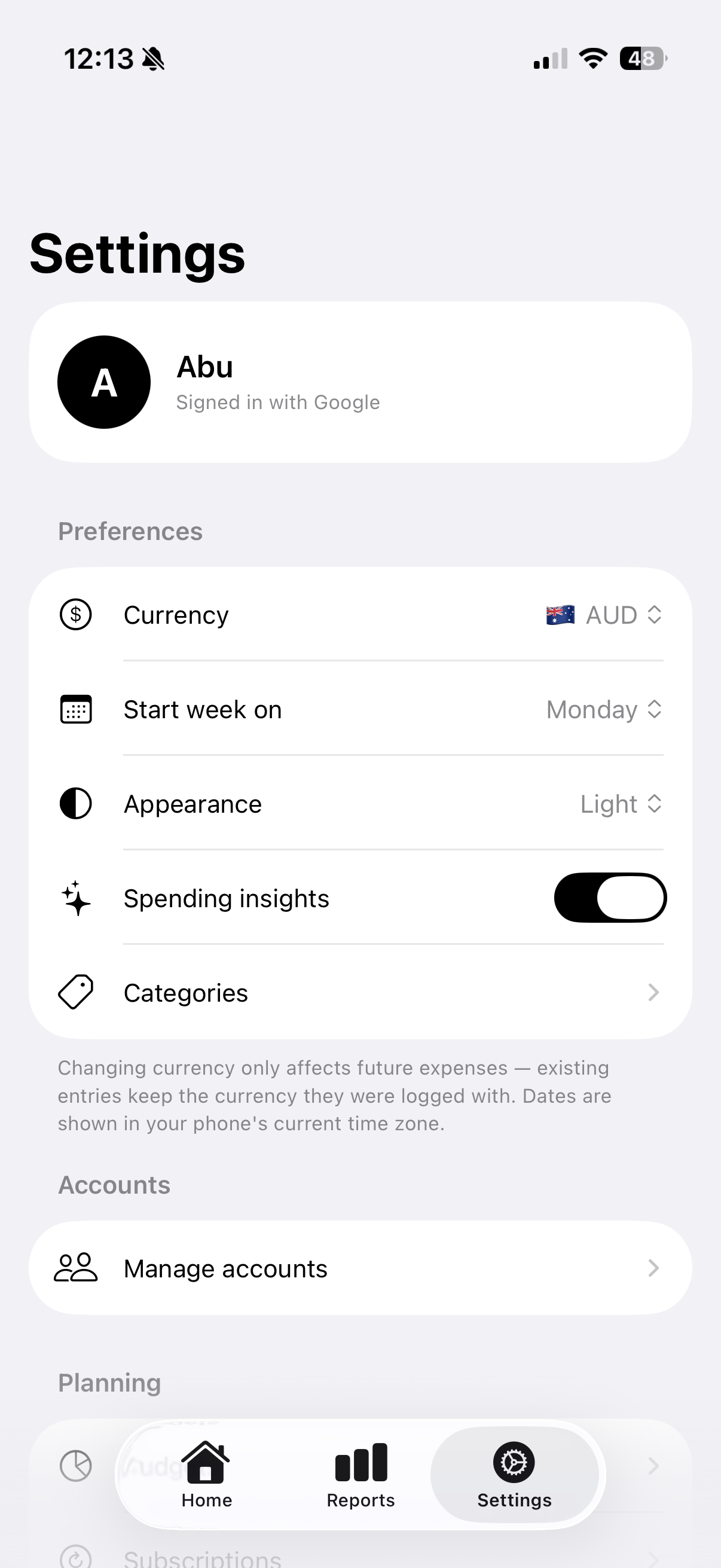
Use it as a guest with no account, fully offline. Sign in with Apple or Google only when you want private cloud backup and sync.
TapXpense is built around the moments when expense apps usually fail: the second you pay, the end of the week, and the moment you need an answer.
Use Back Tap, widgets, Siri, or Shortcuts to log from outside the app before the expense is forgotten.
Smart categorisation and merchant-aware parsing keep entries organised without spreadsheet cleanup.
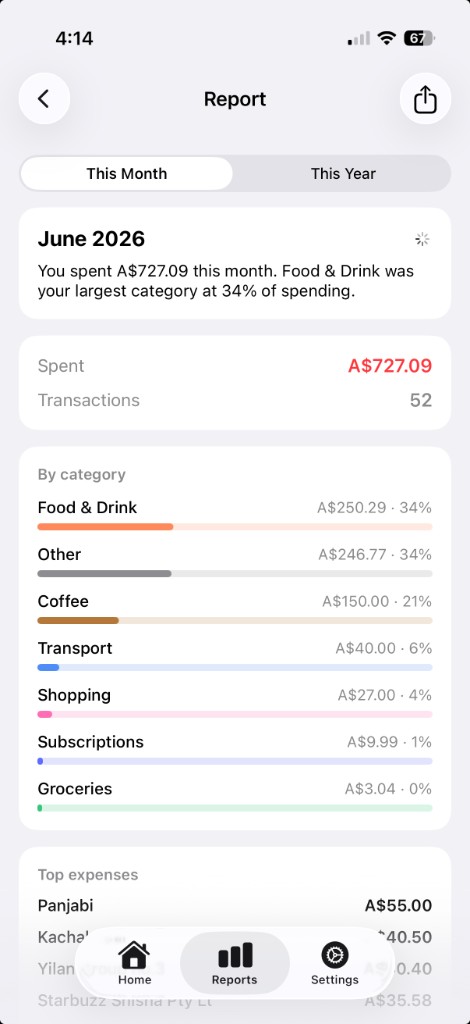
Budgets, subscriptions, income, reports, and insights give you the practical view of where money went.
Everything you need to track spending — nothing you don't.
Real TapXpense screens from the shipped iPhone app.
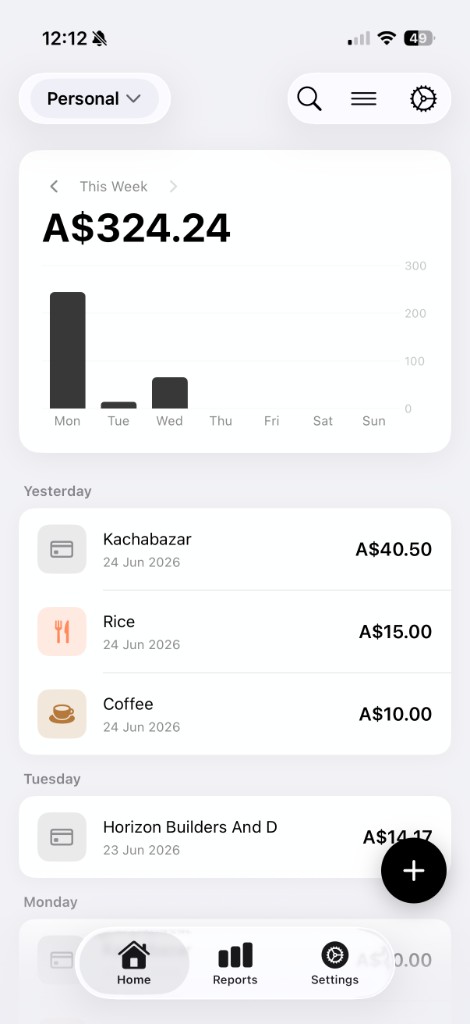
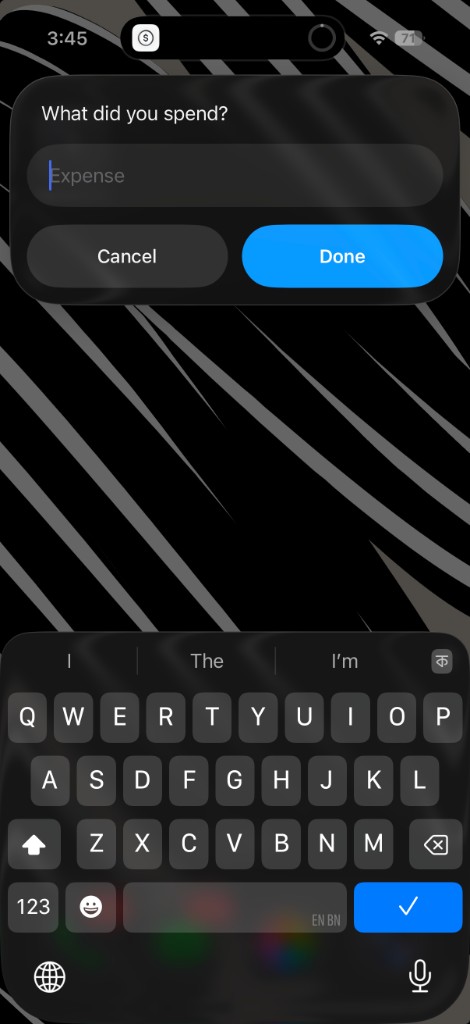
A nine-second walkthrough: log a coffee with a Back Tap straight from the lock screen, glance at the home-screen widget, then open the in-app dashboard.
Start as a guest, keep your data on the iPhone, then sign in only if you want private cloud backup and sync.
Your core expense data lives on-device first, so the app stays useful without an account or network connection.
Apple or Google sign-in is there for backup and sync, not as a wall before you can track spending.
Website feedback is public community content and stays separate from private in-app expense records.
The feedback board now lives on its own page so the homepage stays focused on the app, and users still get a real place to submit ideas.

Native iOS expense tracking — private by default, offline-first, and built for speed. Free for iPhone on the App Store.